
The best free password generator creates truly random passwords of 12+ characters using uppercase, lowercase, numbers, and symbols — with no signup, no data stored, and no usage limits. ToolStack's free generator runs entirely in your browser so your passwords never leave your device.
What You Need to Know (60-Second Summary)
81% of all hacking-related breaches involve a weak or stolen password — yet 45% of Americans still use passwords under 8 characters (Verizon DBIR 2024).
A 12-character truly random password takes 34,000 years to crack. A 6-character lowercase password takes under 1 second. Length and randomness are everything.
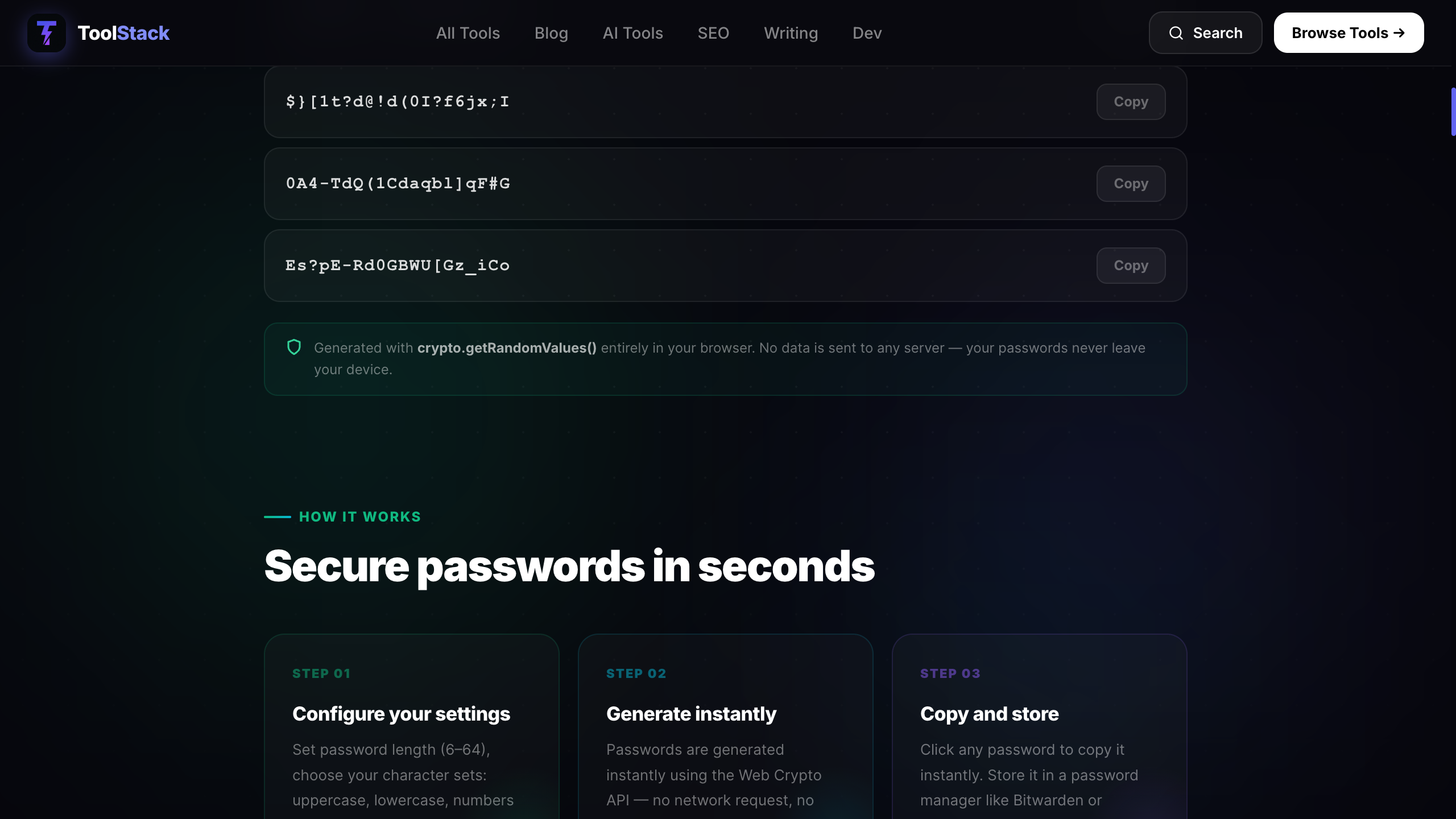
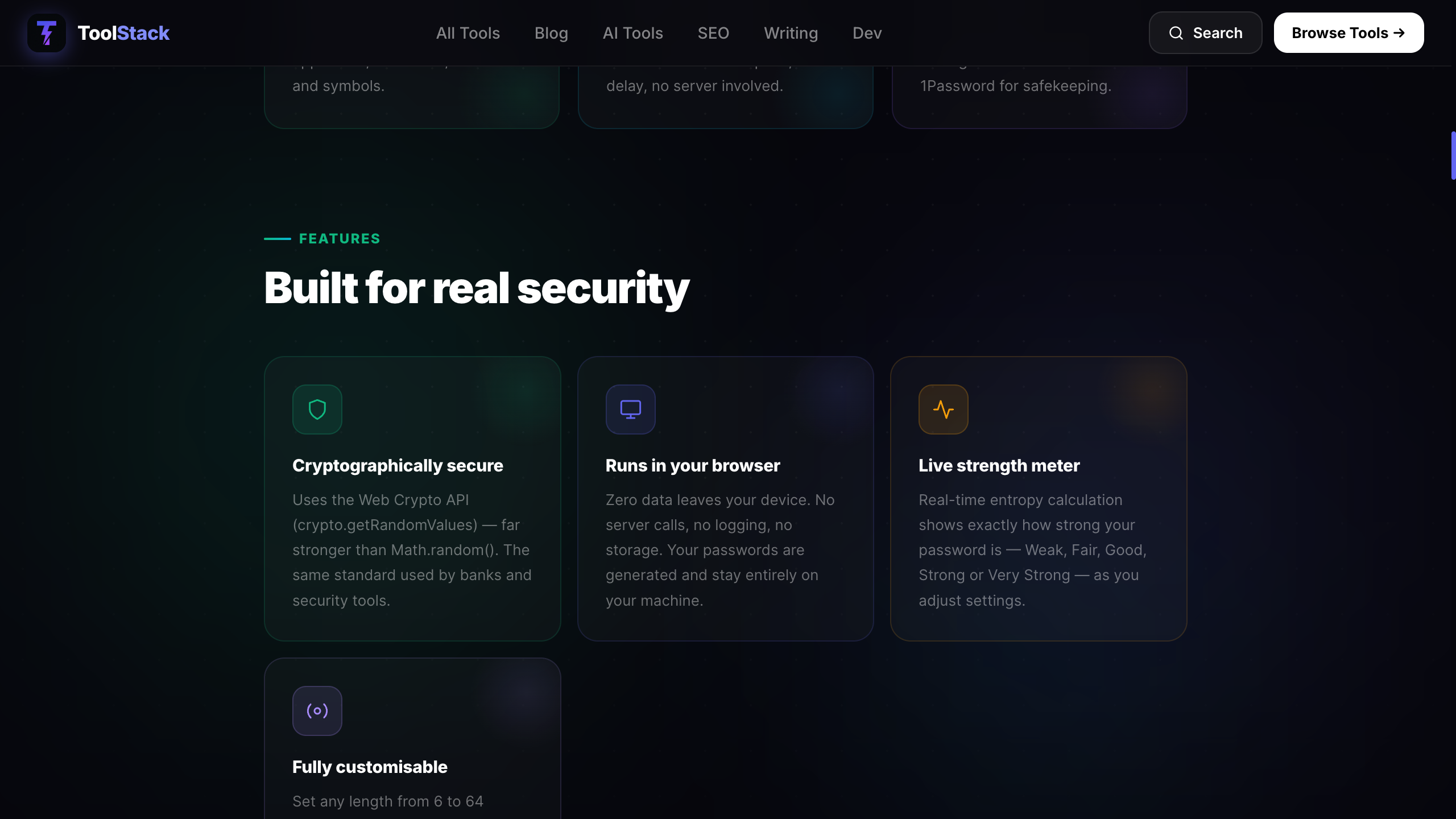
Most 'free' password generators require a signup, store data server-side, or throttle usage. ToolStack generates passwords 100% client-side — nothing is transmitted or stored.
The best approach in 2026: generate a unique 16-character password for every account using a free generator, store them in a free password manager (Bitwarden), and never reuse.
Why Password Strength Actually Matters in 2026
Password cracking has never been cheaper. Modern GPU rigs can attempt billions of combinations per second. A weak password isn't just a risk — it's an open door.
10 Password Security Statistics That Should Worry You
of hacking-related breaches involve weak or stolen passwords
— Verizon DBIR 2024is how long it takes to crack a 12-character random password
— Security.org 2024average cost of a data breach globally in 2024
— IBM Cost of Data Breach Report 2024used '123456' in known breaches in 2024
— NordPass Most Common Passwords 2024is how many accounts the average person reuses the same password across
— NordPass 2024of Americans use passwords that are 8 characters or less
— Google/Harris Pollis how long it takes to crack any 6-character lowercase password
— Hive Systems Password Table 2024of phishing victims haven't changed their passwords after being compromised
— Google Security Surveyis NIST's recommended minimum length for user-created passwords (2024)
— NIST SP 800-63Bof users have experienced a security incident due to password reuse
— LastPass Psychology of Passwords ReportHow to Generate a Strong Password (Step-by-Step)
Total time: under 2 minutes
Go to the free password generator
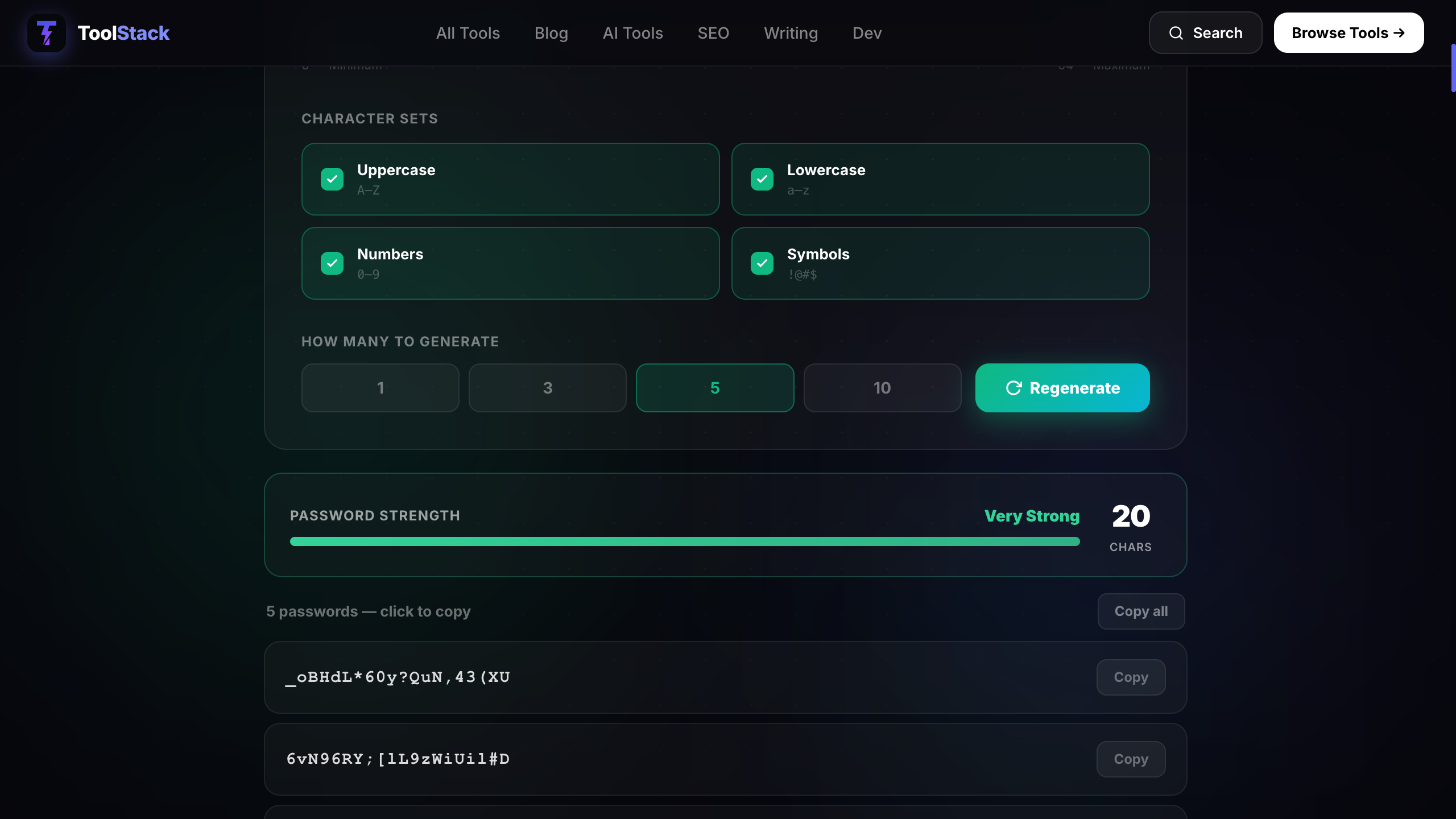
Visit toolstack.tech/tools/password-generator — no account needed, opens instantly in any browser.
Set your password length
Use the slider to set length. For most accounts, 16 characters is the sweet spot. For banking or email, go 20+. Never go below 12.
Choose your character types
Enable uppercase, lowercase, numbers, and symbols. If you need to type it manually, enable 'Exclude ambiguous characters' to avoid confusion between 0/O and l/I.
Click Generate and copy
One click generates your password. Click the copy icon to put it in your clipboard. It never touches our servers.
Save it in a password manager
Paste it into Bitwarden, 1Password, or your browser's built-in vault immediately. Never store passwords in a notes app or spreadsheet.
What Security Experts Actually Say
“The single most effective thing you can do to protect your accounts is use a unique, random password for every single service. Password managers and generators exist precisely so humans don't have to remember them.”
“The math of password cracking is simple: length and randomness win every time. A 12-character truly random password is exponentially harder to crack than a 20-character word-based one based on a phrase.”
“Password length has been found to be a primary factor in characterising password strength. Memorised secrets SHALL be at least 8 characters in length if chosen by the subscriber — and verifiers SHOULD support passwords of up to 64 characters.”
Free Password Generator Comparison 2026
Tested across 8 criteria that actually matter for privacy and usability.
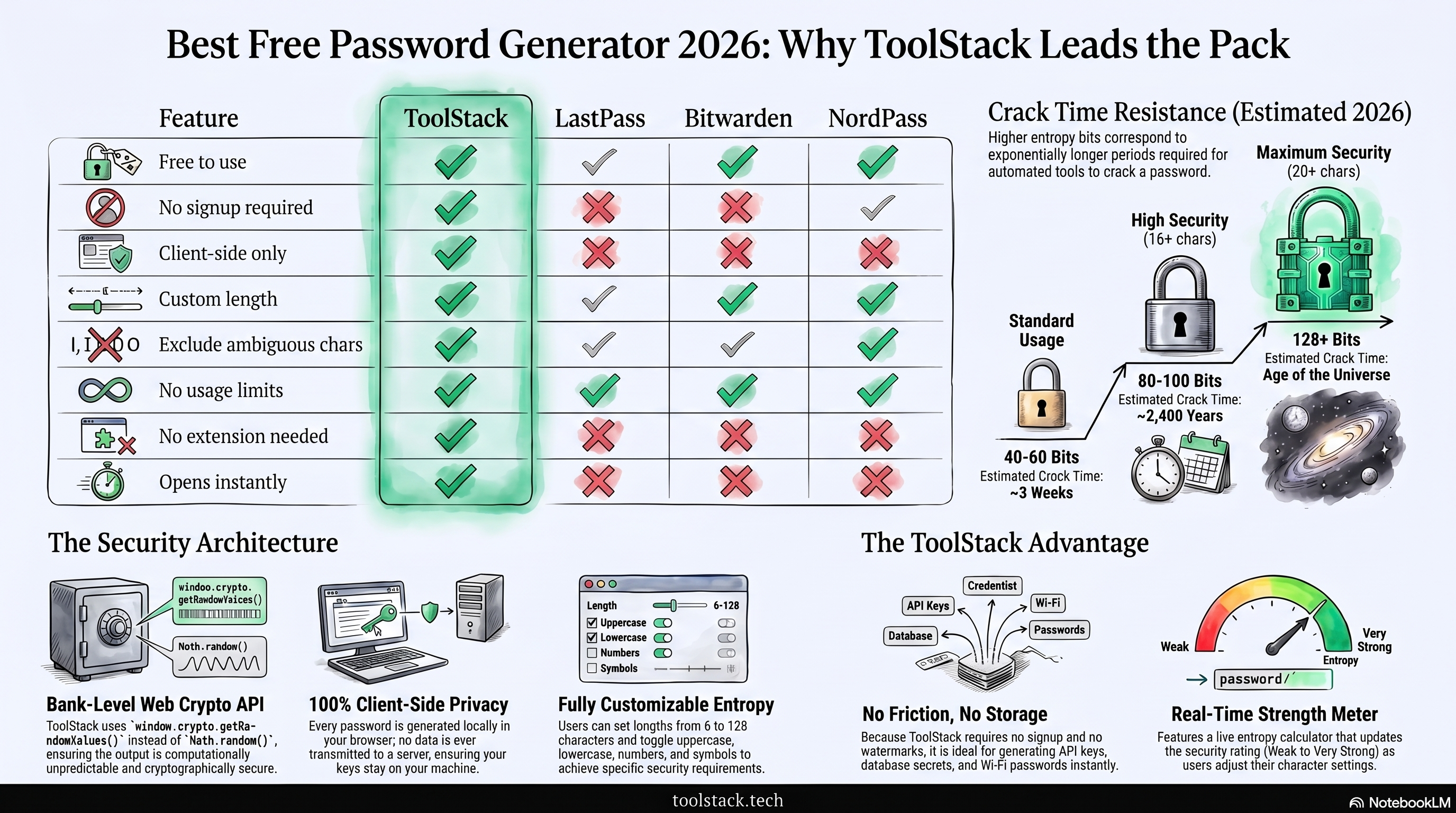
| Feature | ToolStack | LastPass | Bitwarden | NordPass |
|---|---|---|---|---|
| Free to use | ✓ | ✓ | ✓ | ✓ |
| No signup required | ✓ | ✗ | ✗ | ✗ |
| Client-side only (privacy) | ✓ | ✗ | Partial | ✗ |
| Custom length (8–64 chars) | ✓ | ✓ | ✓ | ✓ |
| Exclude ambiguous chars | ✓ | ✓ | ✓ | ✗ |
| No usage limits | ✓ | Limited | ✓ | Limited |
| No account or extension needed | ✓ | ✗ | ✗ | ✗ |
| Open in any browser instantly | ✓ | ✗ | ✗ | ✗ |
E-Commerce Store: 3 Breaches to Zero in 18 Months
- 3 account compromises in 12 months
- Passwords: 8–10 characters, reused
- Admin panel accessed by attacker twice
- £12,000 in fraudulent orders
- Zero account compromises
- All passwords: 20-char generated, unique
- Admin panel: 2FA + generated password
- £0 in fraudulent orders
A 6-person UK e-commerce business switched every staff password to 20-character generated passwords stored in Bitwarden. Implementation took one afternoon. The £12,000 annual fraud loss dropped to zero. Total cost of the solution: £0.
ToolStack Password Generator — Pros & Cons
Check Your Current Password Strength
Paste any password below to see how it measures up — nothing is stored or transmitted.
Or skip straight to generating one:
Generate Password Free →Building an email list? Weak passwords on your email marketing account are one of the most common ways creators lose their lists. AWeber supports 2FA and their free plan covers up to 500 subscribers — pair it with a generated password stored in Bitwarden for a properly secured setup.
7-Day Password Security Action Plan
Install Bitwarden (free) on your phone and desktop browser. Create your account with a strong master passphrase (4+ random words, e.g. correct-horse-battery-staple).
Change your email account password. Generate a 20-character password using ToolStack, save it to Bitwarden, enable 2FA on your email.
Change your banking and financial account passwords. 20 characters, unique for each, saved to Bitwarden.
Check your accounts at HaveIBeenPwned.com. Any compromised account gets an immediate password change.
Change passwords for your social accounts (LinkedIn, Twitter/X, Facebook, Instagram). Enable 2FA on each.
Change passwords for shopping and subscription accounts (Amazon, Netflix, Apple ID, Google). These are frequently targeted.
Enable Bitwarden's auto-fill on your browser. From now on, every new account gets a generated password saved to Bitwarden automatically.
The Future of Password Security
Passkeys will replace passwords on all major Google, Apple, and Microsoft accounts by default. Password generators will shift to generating recovery codes and device-specific credentials rather than traditional character strings.
AI-powered credential stuffing attacks will process billions of leaked password combinations per hour. Passwords under 16 characters using dictionary words will be effectively compromised within minutes of a breach.
NIST's next revision of SP 800-63B is expected to mandate 20-character minimums for enterprise accounts. Free generators will evolve to include entropy scoring, passkey generation, and integration with open-source password managers via browser APIs.
Frequently Asked Questions
What makes a password truly strong?+
Is it safe to use an online password generator?+
How long should my password be in 2026?+
Should I use a password generator or a passphrase?+
How often should I change my passwords?+
What's the difference between a password manager and a password generator?+
Can I use the ToolStack password generator for free?+
The best free password generator for privacy-conscious users. Runs entirely in your browser, no signup required, no usage limits. The only thing it doesn't do is store your passwords — pair it with Bitwarden for a complete free setup.
Generate Your Password Free →
Justin builds free tools for developers, marketers, and creators at ToolStack. He writes about cybersecurity, productivity, and AI tools. Find his AI advertising platform at AdvertsGPT.