

TL;DR
- → Use an external checker to confirm whether a site is down for everyone or just you.
- → If it's just you: flush DNS, clear cache, or try another network.
- → Check instantly with the free Website Down Checker.
Advertisement Space
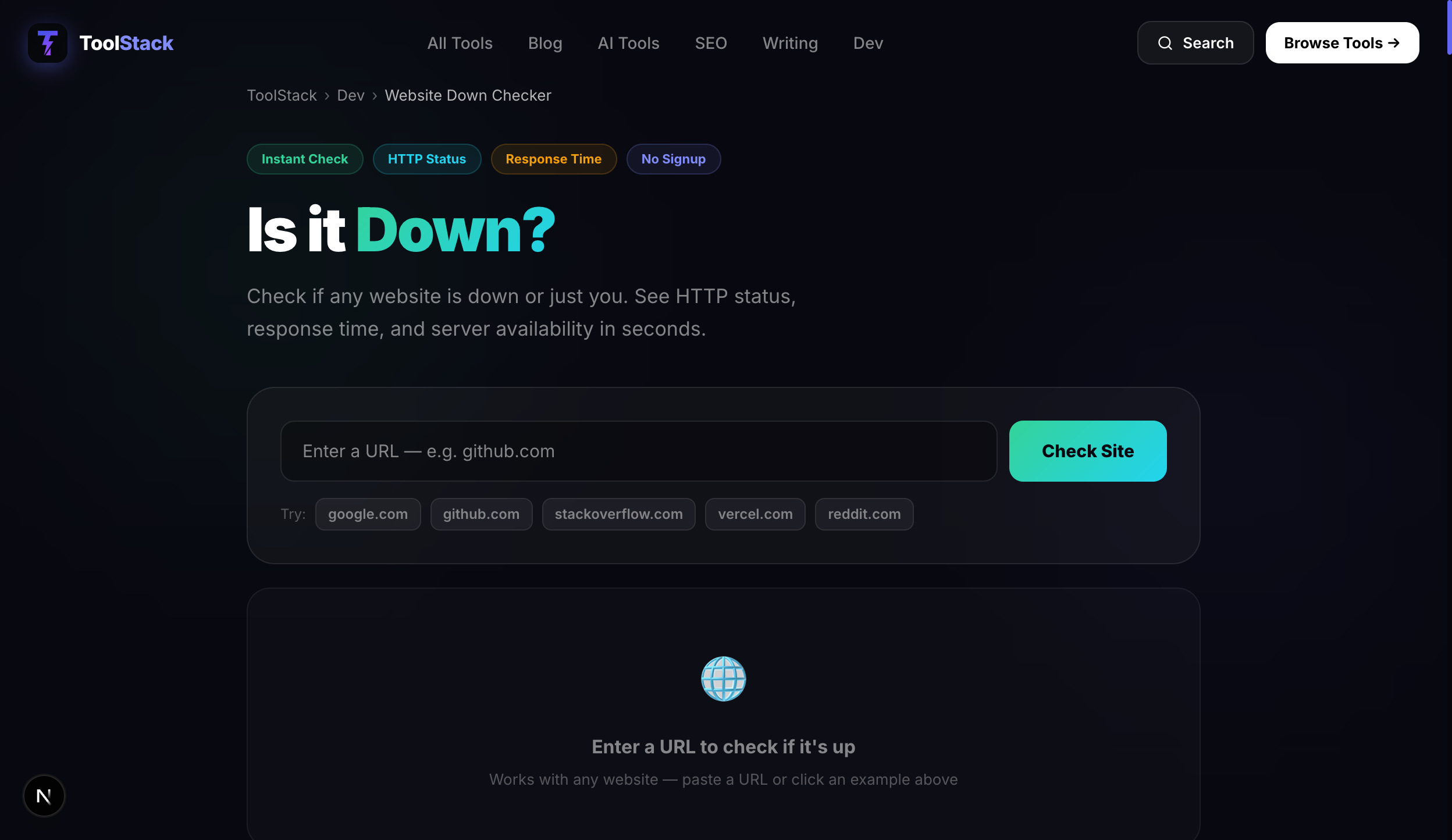
You try to open a website and nothing loads. Before you spend 20 minutes troubleshooting your router or clearing your browser cache, you need to answer one question first: is the site actually down, or is the problem on your end?
The Website Down Checker answers this in seconds — enter any URL and it sends a fresh request from an external server, returning the HTTP status code and response time.
Step 1: Check From an External Source
Your browser can only tell you that it can't reach the site. It can't tell you whether the server is down for everyone or whether the problem is between you and the server. An external down checker sends a request from a completely separate network, bypassing your ISP, DNS, and local connection entirely.
If the checker returns a successful response (HTTP 200), the site is up — the issue is on your side. If the checker also fails to connect, the site is genuinely down.
HTTP Status Codes Explained
| Code | Meaning | Is site up? |
|---|---|---|
| 200 | OK — request succeeded | Yes ✓ |
| 301/302 | Redirect — site is up, redirecting you | Yes ✓ |
| 403 | Forbidden — server up, blocking access | Yes (but blocked) |
| 404 | Not Found — server up, page missing | Server yes, page no |
| 500 | Internal Server Error | No ✗ |
| 502 | Bad Gateway — upstream server failed | No ✗ |
| 503 | Service Unavailable — overloaded/maintenance | No ✗ |
| — | No response — server unreachable | No ✗ |
If the Site Is Up But You Can't Access It
The problem is on your end. Try these fixes in order:
- →Flush your DNS cache — Windows: open Command Prompt and run ipconfig /flushdns. Mac: run sudo dscacheutil -flushcache in Terminal. This clears stale DNS records that might be pointing to the wrong server.
- →Try a different browser — Rules out browser-specific cache or extension issues.
- →Disable your VPN — VPNs can sometimes block certain domains or route traffic through servers that have issues with the site.
- →Switch networks — Try your mobile data instead of Wi-Fi. If it loads on mobile data, the issue is with your home network or ISP.
- →Check your hosts file — On rare occasions, a local hosts file entry can block a domain. Advanced users can check at C:\Windows\System32\drivers\etc\hosts (Windows) or /etc/hosts (Mac/Linux).
If the Site Is Down for Everyone
There's nothing you can do except wait. Most outages are resolved within minutes to hours. Check the site's social media accounts or their status page (usually at status.example.com) for updates. If it's a service you pay for, document the start time of the outage — most SLAs include credits for significant downtime.
Frequently Asked Questions
How can I tell if a website is down for everyone?
Use a website down checker like the free tool at ToolStack. It sends a request to the site's server from an external location. If it gets a response, the site is up and the issue is on your end. If it can't connect, the site is down for everyone.
What does HTTP 503 mean?
HTTP 503 means 'Service Unavailable' — the server received your request but can't handle it right now, usually due to overload or maintenance. The site is technically reachable (unlike a full outage) but not serving content. It usually resolves within minutes to hours.
Why is a site down for me but up for others?
Your ISP's DNS servers may have a stale or incorrect record for the domain. Your local network, firewall, or browser cache might be blocking the connection. The site might be geo-blocked in your region. Try flushing your DNS cache (ipconfig /flushdns on Windows, sudo dscacheutil -flushcache on Mac) or switching to a different network.
What should I do while waiting for a site to come back up?
If the site is genuinely down, there's little you can do beyond waiting. Check the site's official social media for incident updates. For critical services, check their status page (most companies have one at status.example.com). If it's a service you pay for and the downtime is significant, document the outage duration for potential service credits.