

TL;DR
- → SSL certificates encrypt data between your browser and a website — they power the padlock icon.
- → They expire after up to 397 days. An expired cert shows a security warning to all visitors.
- → Check any website's SSL instantly with the free SSL Certificate Checker.
Advertisement Space
The padlock icon in your browser's address bar is powered by an SSL certificate. Without one, any data you send to a website — passwords, payment details, personal information — travels across the internet unencrypted and can be intercepted. With one, that data is locked in transit.
If you manage a website or just want to verify that a site you're using is properly secured, the SSL Certificate Checker shows you the full picture in seconds.
What Is an SSL Certificate?
SSL (Secure Sockets Layer) is the predecessor to TLS (Transport Layer Security) — but the term SSL is still universally used. An SSL/TLS certificate is a digital document that does two things:
- 1.Authenticates the website — Proves the site is who it claims to be, issued by a trusted Certificate Authority.
- 2.Enables encryption — Creates an encrypted tunnel between the browser and server using public-key cryptography.
The Three Types of SSL Certificate
| Type | What's verified | Best for |
|---|---|---|
| DV — Domain Validated | You control the domain | Blogs, personal sites, most web apps |
| OV — Organisation Validated | Domain + business identity | Business websites, SaaS products |
| EV — Extended Validated | Full legal entity verification | Banks, large e-commerce, enterprises |
For most websites, a free DV certificate from Let's Encrypt provides identical encryption to a paid EV certificate. The difference is trust signalling, not security strength.
How to Read SSL Certificate Details
When you check a certificate with the SSL Checker, here's what each field means:
- →Common Name (CN) — The primary domain the certificate is issued to, e.g. example.com.
- →Issuer — The Certificate Authority that issued and vouches for the certificate.
- →Valid From / Valid To — The active window of the certificate. Outside this window, browsers reject it.
- →SANs (Subject Alternative Names) — All domains covered by this certificate. A wildcard SAN like *.example.com covers all subdomains.
- →Key Strength — The bit-length of the encryption key. 2048-bit RSA or 256-bit ECC are current standards.
What Happens When an SSL Certificate Expires?
The moment a certificate expires, browsers stop trusting it. Chrome shows "Your connection is not private." Firefox shows "Warning: Potential Security Risk Ahead." Safari shows "This Connection Is Not Private." The vast majority of visitors will leave immediately.
Beyond visitor trust, Google uses HTTPS as a ranking signal. An expired certificate effectively takes your site off HTTPS, which can negatively affect rankings. For e-commerce sites, payment processors will block transactions on sites without valid HTTPS.
Check Any Website's SSL Certificate
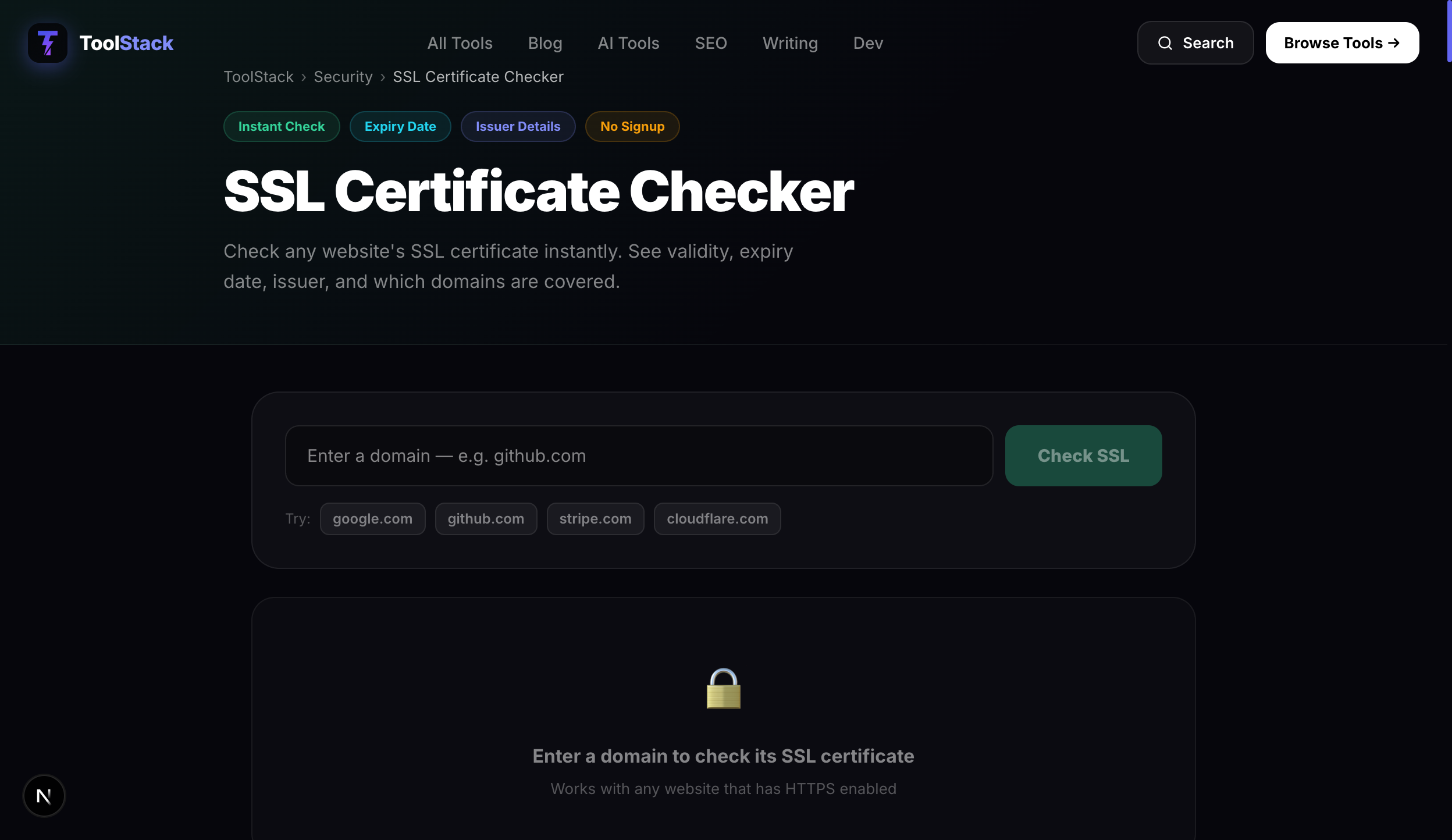
Use the free SSL Certificate Checker to inspect any domain. Enter a URL and instantly see validity status, days until expiry with a colour-coded progress bar, issuer details, and all covered domains. No signup required.
Frequently Asked Questions
How long does an SSL certificate last?
Since 2020, SSL certificates are valid for a maximum of 397 days (just over 13 months). Before that, certificates could last up to two years. Let's Encrypt certificates last only 90 days but auto-renew. The shorter validity periods are intentional — they limit the window of exposure if a certificate is compromised.
What happens if my SSL certificate expires?
Browsers immediately show a full-page security warning — 'Your connection is not private' in Chrome, 'Warning: Potential Security Risk Ahead' in Firefox. Most visitors will not proceed past this warning. Your site's SEO rankings can also drop because Google uses HTTPS as a ranking signal.
What is the difference between DV, OV, and EV certificates?
DV (Domain Validated) only verifies you control the domain — issued in minutes, free via Let's Encrypt. OV (Organisation Validated) verifies your business identity — takes 1–3 days and costs money. EV (Extended Validation) is the most thorough — requires legal verification and was historically shown with a green address bar, though browsers have largely removed the visual distinction.
Is Let's Encrypt safe to use?
Yes. Let's Encrypt is a non-profit Certificate Authority trusted by all major browsers and operating systems. It issues DV certificates that provide the same encryption strength as paid certificates. The only difference is it doesn't verify your organisation identity. For most websites, Let's Encrypt is the correct choice.
How do I renew an SSL certificate?
If you're using Let's Encrypt (via most modern hosting providers), renewal is automatic via a tool called Certbot. If you're on a managed hosting platform (Cloudflare, Vercel, Netlify), SSL is fully managed — you don't need to do anything. If you have a manually installed paid certificate, you renew through your Certificate Authority before the expiry date.