

TL;DR
- → UTM parameters are tags appended to URLs that tell analytics tools where traffic came from.
- → There are five tags: source, medium, campaign, term, and content.
- → Build clean UTM links in seconds with the free UTM Campaign Builder.
Advertisement Space
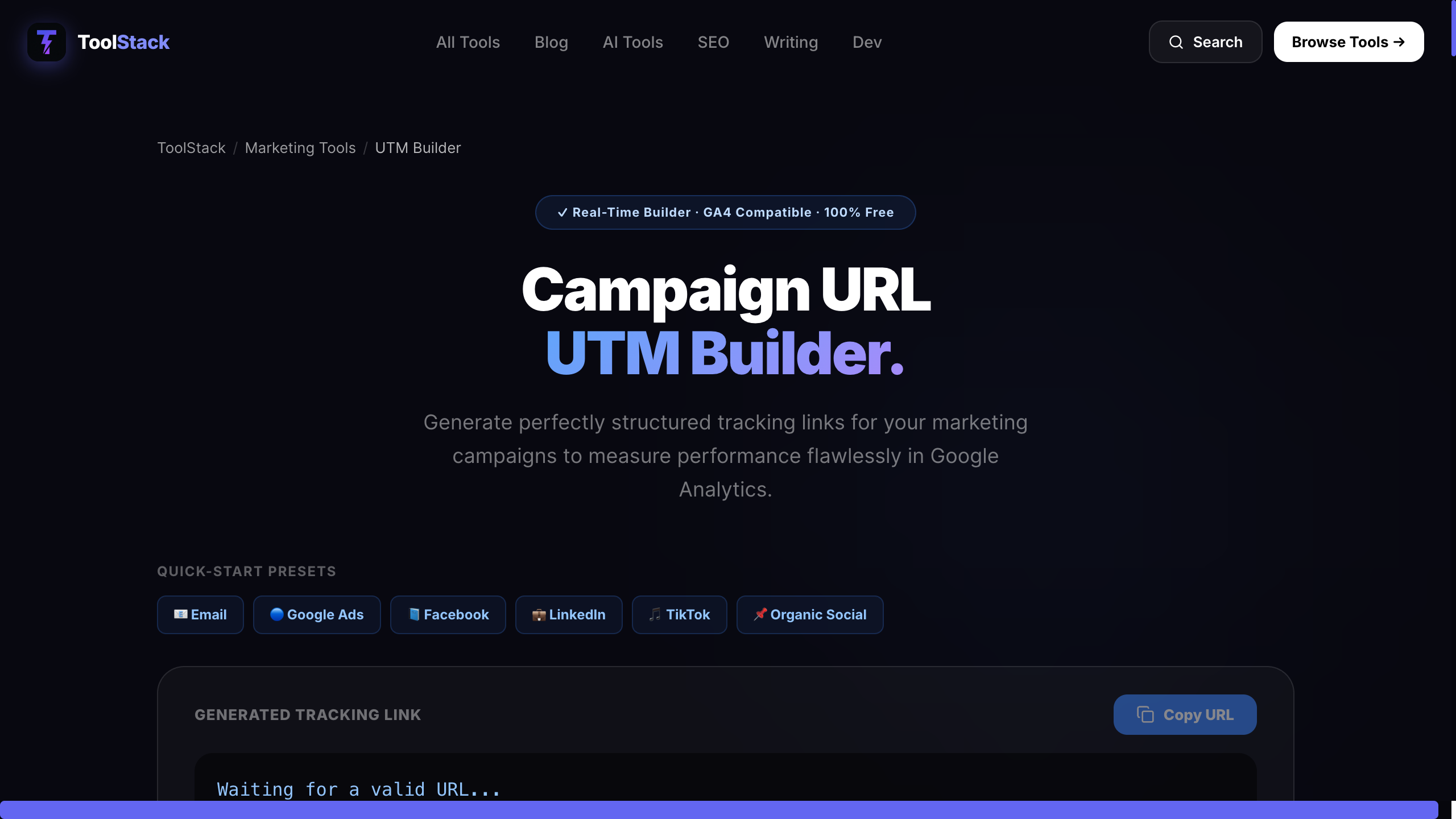
Without UTM parameters, Google Analytics will show you that traffic arrived from "direct" or "referral" — but not which email campaign, which social post, or which ad creative drove it. UTM parameters solve this by embedding tracking information directly in the URL.
A UTM-tagged URL looks like this:
https://toolstack.tech/tools/utm-builder
?utm_source=newsletter
&utm_medium=email
&utm_campaign=april-launch
&utm_content=header-cta
When someone clicks this link, GA4 reads the parameters and categorises the session accordingly — no server-side configuration needed.
The Five UTM Parameters Explained
| Parameter | What It Tracks | Example Value |
|---|---|---|
| utm_source | Where the traffic originates | google, newsletter, twitter |
| utm_medium | The marketing channel type | cpc, email, social, organic |
| utm_campaign | The specific campaign name | spring-sale, product-launch |
| utm_term | Paid keyword (paid search only) | free+json+formatter |
| utm_content | Ad variant or link differentiation | header-cta, sidebar-link |
When to Use Each Parameter
Email Campaigns
Use utm_source=newsletter, utm_medium=email, and a campaign name. If you have multiple CTAs in one email (header button, footer link, image), use utm_contentto tell them apart. Otherwise your click data will be aggregated and you won't know which placement drove the action.
Paid Ads
Google Ads auto-tags with gclid, but UTM parameters give you cleaner reports in GA4 and work across all ad platforms. Use utm_medium=cpc for paid search and utm_medium=paid-social for Meta/TikTok. Use utm_term to track which keywords convert.
Social and Content
For organic social posts, use utm_medium=social and the platform name as the source. This separates organic social from paid social in your reports and lets you see which platform actually drives engaged sessions versus bounces.
The Most Common UTM Mistakes
- →Inconsistent casing— "Facebook" and "facebook" appear as separate sources. Always lowercase.
- →Spaces in values — spaces break URLs. Use hyphens: spring-sale, not spring sale.
- →Tagging internal links — UTM parameters on internal links overwrite the original source, making your attribution data wrong. Only tag external links pointing to your site.
- →Skipping utm_medium— Without it, GA4 can't categorise traffic into channels properly. Always include it.
Build UTM Links Without Errors
Manually appending UTM strings is error-prone — a misplaced & or an unencoded space breaks the URL silently. Use ToolStack's free UTM Campaign Builder to construct clean, properly encoded UTM links in seconds. Fill in the fields, copy the output, and paste it wherever you need it. No signup, no install.
Frequently Asked Questions
Do UTM parameters affect SEO?
No — UTM parameters are stripped by Google Analytics before processing and are not used by Google for ranking purposes. They are invisible to search engines from an SEO standpoint. However, if you share UTM-tagged URLs publicly (e.g., in a social bio), you should use canonical tags to tell search engines which version of the URL is authoritative.
Are UTM parameters case-sensitive?
Yes. Google Analytics treats 'Facebook' and 'facebook' as two different sources, which splits your data. The standard practice is to use lowercase for all UTM values and hyphens instead of spaces (e.g., utm_source=facebook, utm_campaign=spring-sale). Be consistent across your team.
What is the difference between utm_source and utm_medium?
utm_source identifies the specific origin (e.g., 'newsletter', 'google', 'twitter'). utm_medium identifies the marketing channel type (e.g., 'email', 'cpc', 'social'). Think of source as the who and medium as the how. Together they answer: which platform (source) and what type of traffic (medium).
Do I need all five UTM parameters on every link?
No. Only utm_source is technically required for GA4 to process the traffic source. utm_medium and utm_campaign are strongly recommended for useful reporting. utm_term (for paid search keywords) and utm_content (for A/B test variants) are optional and only relevant when you need that level of detail.