

Google just redesigned its search bar for the first time in over 25 years. Announced at Google I/O on 19 May 2026, the classic keyword box has been replaced with an AI-powered conversational field — powered by Gemini 3.5 Flash — that accepts natural language questions, file uploads, and long-running autonomous tasks.
The timing is telling. Anthropic held 34.4% of paid AI business subscriptions in the US in April 2026; OpenAI held 32.3%. Google's share was just 4.5%. Google is staking its entire consumer and business future on this redesign. Gemini now has more than 900 million active users and Alphabet expects to spend $180–190 billion this year on AI infrastructure alone.
If you run a website, publish content, or depend on organic search traffic — this matters. Not because the blue links are disappearing (they're not), but because the way people interact with search is fundamentally changing, and the content that gets surfaced is increasingly the content that's structured for AI to read, not just humans.
Free: Write AI-optimised meta descriptions
Generate 5 click-optimised variants with live Google SERP preview — no signup
Key Takeaways
- → Google's new search bar accepts conversational questions, file uploads, and autonomous tasks — not just keywords.
- → The 10 blue links are not disappearing — they still appear below AI Overviews and continue to drive traffic.
- → Pages cited inside AI Overviews gain a source link — being cited is the new page-one.
- → FAQ schema, question-format H2s, and direct first-sentence answers are the fastest path to AI Overview citations.
- → Tool pages and calculators are well-positioned — they answer specific tasks that mini-apps can't easily replace.
🎙 Listen to this article
Why Google Wants You to Search Less — NotebookLM Audio Overview
Advertisement Space
What Google Changed at I/O 2026
The classic Google search bar — a single white rectangle where you typed a few keywords — was the most-used interface on the internet for more than two decades. At Google I/O 2026, that changed. The new search bar is best understood as four distinct upgrades shipped together:
1. Conversational Prompts
Instead of "running shoes," you can now type or say "What are the best running shoes for someone with wide feet who runs 5km three times a week and has a budget of £80?" Queries are now longer, more specific, and treated as conversations rather than keyword lookups.
2. Multimodal Uploads
You can now drag and drop images, video files, audio files, PDFs, or open browser tabs directly into the search bar. The AI analyses the content and answers questions about it — paste a screenshot of an error message, a photo of a product, or a document and ask anything about it.
3. Autonomous Agents
You can now assign long-running tasks to Google's search AI. Set it to "track sneaker drops in my size" or "monitor apartment listings under £1,200 in Manchester" and it proactively surfaces results when conditions are met — without you searching again.
4. Dynamic Mini-Apps
In response to certain prompts, Google now builds custom interactive visualisations and micro-apps on the fly inside the search results. Ask for a 12-week marathon training plan and Google may generate an interactive tracker — directly in the SERP, without you visiting a third-party site.
What Happened to the 10 Blue Links?
They're still there. Google has been clear on this: traditional blue web links are not being removed. What's changing is their position in the page hierarchy.
The new layout places an AI Overview — a synthesised answer pulling from multiple sources — at the top of many search results. Below the overview, you still find the familiar list of standard results. The difference is that the AI Overview is now the first thing most users see, and it often answers the question before a user clicks anything.
The two outcomes for your traffic:
Below the overview: Your result still exists and still drives clicks — but for informational queries, fewer users scroll past the AI answer. Click-through rates on informational content have declined.
Cited inside the overview:If Google's AI uses your page as a source, you get a visible citation link at the top of the SERP. This is the new page one — and it drives a qualitatively different, higher-intent visitor than a standard organic click.
The strategic goal has shifted: don't just rank in the top 10, be the source the AI cites.
How to Optimise Your Content for Conversational Search
Conversational queries are longer, more specific, and structured as questions. The content that gets cited in AI Overviews shares four characteristics — and all four are things you can implement today:
1. Write FAQs in Natural Speech Patterns
"What is the best free JSON formatter?" outperforms "JSON formatter features" as a FAQ heading because it matches exactly how someone would ask Google's new conversational bar. Audit your FAQ sections and convert any keyword-style headings into full, natural questions with the same phrasing your audience would actually use.
2. Lead Every Answer with the Direct Answer
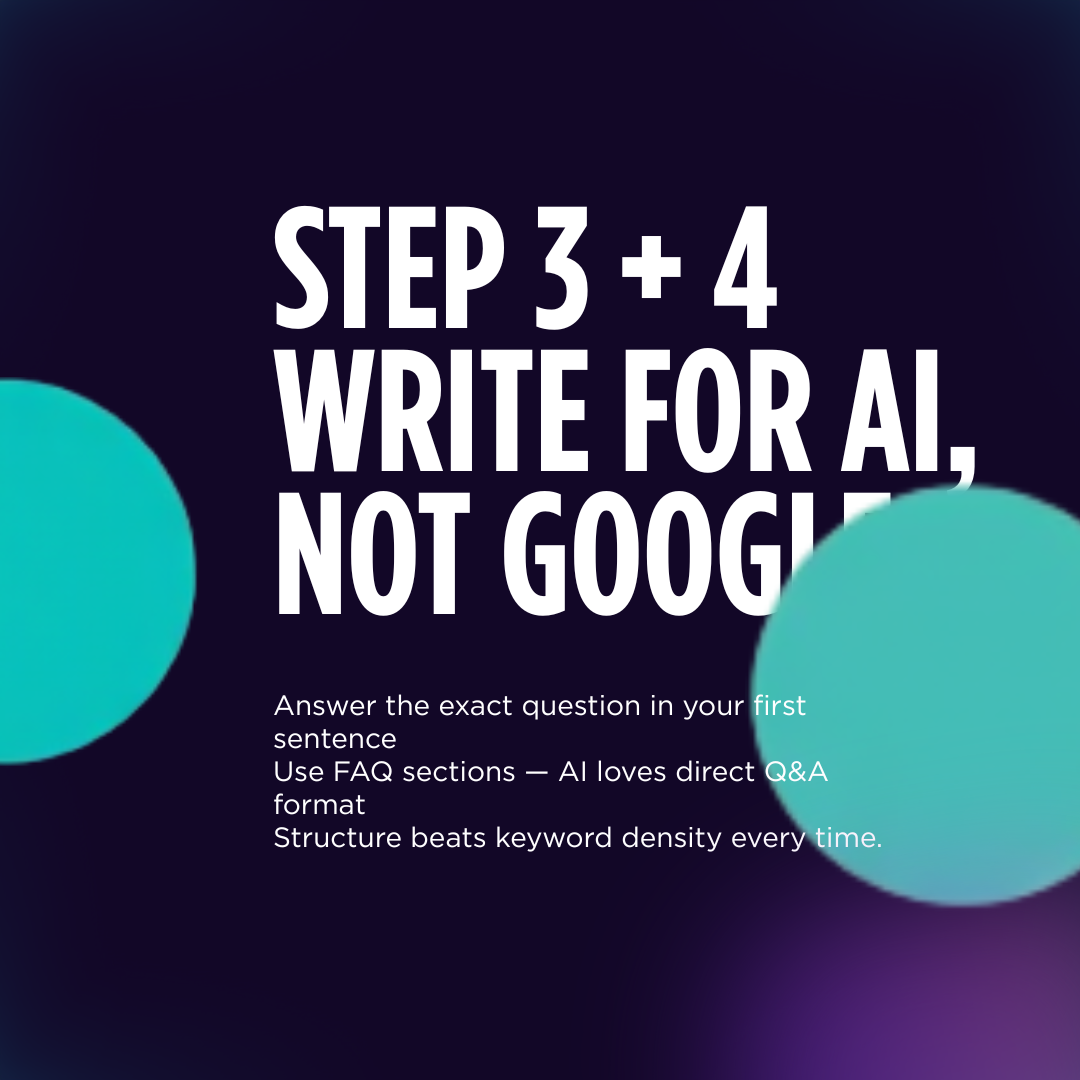
AI systems — including Google's — most frequently extract the first sentence of an answer. That first sentence needs to be a complete, standalone response to the question. Don't warm up, don't hedge, don't give context before the answer. State the answer first, then explain.
3. Use Question-Format H2 Headings
"How does Base64 encoding work?" is better than "Base64 Encoding Explained." Question H2s signal to Google exactly what query the section answers, making it far easier to extract and cite in AI Overviews.
4. Add FAQPage and HowTo Structured Data
FAQPage schema explicitly marks your Q&A pairs as machine-readable, making it trivial for Google's AI to extract them verbatim. HowTo schema does the same for step-by-step instructions. These are the two schema types most reliably cited inside AI Overviews.
Advertisement Space
Which Content Types Win — and Which Are at Risk
Not all content is equally affected by the conversational shift. Here's a clear breakdown:
What About the Dynamic Mini-Apps — Are Tool Sites at Risk?
This is the question most tool site owners are asking. Google's ability to generate a fitness tracker inside the SERP sounds threatening — but the reality is more nuanced.
Google's mini-apps are generated on the fly from a prompt. They're generic by design. A card grading profit calculator that accounts for PSA, BGS, and SGC fee tiers, eBay sell-through rates, and your specific purchase price is not something Google will spin up dynamically — it requires specific logic, real-time data awareness, and a domain-specific interface built for that use case.
The tools at risk are genuinely generic ones: basic unit converters, simple timers, bare-bones word counters. Anything with real depth, niche specificity, or domain logic is not easily replaced by a Google mini-app.
The deeper protection: brand trust
When someone uses a password generator or JWT decoder, they care that the tool is private, reliable, and doesn't log their data. A Google-generated mini-app in the search results doesn't carry that trust. For security-adjacent tools especially, a dedicated tool site has an inherent advantage a SERP mini-app can't match.
The Autonomous Agents Feature: What It Means for Intent
Google is shipping two distinct agent layers. The first is built into the search bar itself — you can assign it tasks like "monitor apartment listings under £1,200 in Manchester." The second is Spark, a new background mode within Gemini that monitors your email, Google Docs, Slides and connected third-party apps, compiling summaries and to-do lists without you prompting it.
Google itself acknowledges the technology "isn't yet good enough to fully trust." These features are a directional bet, not a finished product — which means the next 12–18 months will determine how much search behaviour actually changes.
For content publishers, the practical implication is clear: structured data and machine-readable content becomes critical. Agents can only act on data they can reliably parse. If your listings, tools, or content aren't marked up for machines, autonomous agents won't surface them.
Your 5-Step Action Plan for AI-First Search
Audit your FAQ question phrasing
Go through your top 10 pages and rewrite any FAQ headings that read like keywords. Convert them to the natural question a human would speak into Google's new search bar. This is the highest-leverage change you can make today.
Lead every answer with the direct answer
Check that the first sentence of every FAQ and every section opening is a standalone answer to the implied question. AI systems extract first sentences most reliably — don't bury your answer in context.
Add or verify FAQPage schema
If your pages have FAQ sections, make sure they're marked up with FAQPage structured data. This is how Google's AI explicitly knows which parts of your page to extract and cite in Overviews.
Create comparison content
Conversational queries frequently take the form of 'What is the best X for Y?' or 'X vs Y — which is better?' These formats are heavily cited in AI Overviews. Build at least 2–3 comparison pages in your niche.
Build markdown mirrors for AI crawlers
Serve a plain-text /index.md version of your key pages. AI agents including Perplexity, Claude, and ChatGPT with web access prefer plain text for extraction. Add these to your llms.txt so AI systems know they exist.
Ready to optimise for AI-first search?
Every tool below is free, no signup required, and built to help you implement exactly what this guide covers.
Also recommended
If you're building an email list while adapting to AI search — AWeber is the email platform I use and recommend. Your email list is the one traffic channel Google's AI cannot take from you.
For AI-first content strategy and GEO (Generative Engine Optimisation) services, visit AdvertsGPT.
Frequently Asked Questions
What is Google's new AI search bar announced at I/O 2026?
Google's redesigned search bar — announced at Google I/O 2026 — is an AI-powered conversational text field that replaces the classic keyword box. Instead of typing short keywords, you can ask multi-part questions in natural language, upload images, video files, audio, or documents directly into the search bar, and assign long-running autonomous tasks like tracking sneaker drops or monitoring apartment listings over time.
Are Google's 10 blue links going away?
No — Google has confirmed that traditional blue web links are staying. Below the AI's summary (called AI Overviews), you will still find a list of standard search results with blue text links and source attributions. The era of 10 blue links as the primary interface is evolving, but the links themselves remain. Content that gets cited inside AI Overviews also gains a visible source link that drives traffic.
What are AI Overviews and how do they affect my website traffic?
AI Overviews are the AI-generated answer summaries that now appear at the top of many Google search results. They synthesise information from multiple sources and display it directly in the SERP. Pages that are cited inside an AI Overview receive a source attribution link. Studies show AI Overviews reduce clicks on results below them by 25–35% for informational queries — but pages cited inside the overview itself see increased visibility. The goal is to be the source, not a result beneath the overview.
How do I optimise my content for Google's new conversational search?
Four changes make the biggest difference: (1) Write FAQ sections using natural, conversational question phrasing that matches how people speak, not just how they type. (2) Make the first sentence of every answer a complete, standalone answer — AI systems extract the first sentence most often. (3) Use question-format H2 headings wherever possible. (4) Add structured data: FAQPage schema for Q&A sections and HowTo schema for step-by-step content — these are the formats Google's AI most reliably cites.
What types of content get cited inside AI Overviews?
Content that is direct, factual, well-structured, and easy to extract performs best in AI Overviews. Specifically: FAQ pages with clear Q&A format, how-to guides with numbered steps, pages with statistics and cited sources, and tool pages that answer a specific task. Long-form opinion pieces, content behind paywalls, and pages with no clear structure are rarely cited. Short, complete answers — ideally under 80 words per FAQ answer — are extracted far more frequently than dense paragraphs.
What is the multimodal upload feature in Google's new search bar?
Google's redesigned search bar allows you to drag and drop images, video files, audio files, or open browser tabs directly into the search field. The AI then analyses the uploaded content and answers questions about it. For example, you could upload a screenshot of an error message and ask 'what does this mean and how do I fix it?' or drag in a product photo and ask 'where can I buy this for less?'
What are Google Search's autonomous agents?
Autonomous agents in Google Search are long-running tasks you can assign to the search AI. Instead of a one-time query, you set a persistent goal — for example, 'alert me when a 2-bedroom flat in Manchester drops below £1,200/month' or 'track new Nike Dunk releases and notify me when a size 10 becomes available.' The agent monitors the web over time and proactively surfaces results when conditions are met.
How do dynamic mini-apps in Google Search work?
In response to certain prompts, Google's AI now builds custom interactive visualisations and micro-applications on the fly directly in the search results. For example, asking 'create a 12-week marathon training plan for a 4-hour finish' might generate an interactive fitness tracker you can use directly in the search interface, without visiting a third-party site. Google builds these mini-apps in real time from your query parameters.