

TL;DR
- → Prompt engineering is the single biggest leverage point for getting useful output from any AI model.
- → The RISEN framework (Role, Instructions, Steps, End goal, Narrowing) is the most reliable structure for writing prompts that work first time.
- → The AI Prompt Generator builds optimised prompts for 80+ AI tools — free, no signup.
Advertisement Space
Every AI tool you use — ChatGPT, Claude, Gemini, Midjourney, Perplexity — is only as good as the instruction you give it. That instruction is your prompt. And most people write prompts the way they send a text message: casual, vague, and missing half the context the AI needs to do anything useful.
Prompt engineering fixes that. It is not a technical skill — it does not require coding, a developer account, or any specialist knowledge. It is simply the practice of writing clear, structured instructions that tell the AI exactly what you need, in what format, and with what constraints. Once you understand the principles, every AI interaction becomes faster and more productive.
Why Your Prompts Are Getting Bad Results
The most common prompt engineering mistake is treating AI like a search engine. You type a query — “write me a marketing email” — and you get a generic, unusable response. That is not the AI failing. That is an underspecified instruction.
Think about what that prompt is missing: Who is the audience? What product? What tone — formal or casual? How long? What call to action? What is the context — cold outreach, existing customer, post-purchase? Without this information, the AI fills in the blanks with the most average possible answer. That is what generic output looks like.
The fix is not a better AI model. It is a better prompt. The same model that gave you a generic email will produce something genuinely usable when you give it the context it needs.
The RISEN Framework
RISEN is the most reliable prompt structure for consistent, high-quality results. It stands for:
- RRole— Define who the AI is playing. “You are a senior copywriter with 10 years of experience in SaaS.” This anchors the AI's persona and determines its default tone, vocabulary, and perspective.
- IInstructions— State the specific task clearly. “Write a 300-word cold email for a project management tool targeting operations managers at companies with 50–200 employees.”
- SSteps— If the task has a process, spell it out. “Start with a subject line, then a one-sentence opener about a common pain point, then three bullet points about benefits, then a single CTA.”
- EEnd goal— Define what success looks like. “The goal is to get the reader to book a 15-minute demo call.” This shapes how the AI frames every sentence.
- NNarrowing— Add constraints. “Avoid jargon. Do not use the word ‘solution’. Keep it under 250 words. Use a conversational, direct tone.” Narrowing prevents the AI from drifting into generic territory.
Used together, these five elements eliminate ambiguity. The AI has no reason to guess — you have told it everything it needs. This is why a RISEN prompt almost always outperforms a one-line instruction, even on the same model.
Advertisement Space
5 Prompt Engineering Techniques That Work in 2026
1. Chain of thought
Add “think step by step” or “reason through this before answering” to any complex prompt. This forces the model to break down the problem before reaching a conclusion, which significantly reduces errors on multi-step tasks like calculations, analysis, and structured arguments.
2. Few-shot examples
Include one or two examples of exactly what you want in the prompt. “Here is an example of the tone I want: [paste example]. Now write this in the same style.” The AI will pattern-match your example rather than defaulting to its own conventions. This is the fastest way to get on-brand output.
3. Output format specification
Tell the AI exactly how you want the output structured. “Return this as a JSON object with fields: title, summary, bullet_points (array of 5), and call_to_action.” Or: “Format as a numbered list with a bold heading for each item.” Format specification saves you editing time and makes AI output paste-ready.
4. Persona stacking
Combine roles for nuanced output. “You are a UX writer with a background in psychology, writing for an audience that is technically literate but time-poor.” Stacking personas gives the AI a richer frame to work within and produces more specific, less generic responses.
5. Iterative refinement
Treat the first response as a draft, not a final answer. Follow up with specific refinement instructions: “Good — now make the opening more direct and cut the third paragraph. Keep everything else.” AI models handle iterative feedback well. Most great outputs come from two or three rounds, not one shot.
Advertisement Space
Privacy: What Not to Put in a Prompt
This is important and under-discussed. When you use consumer AI tools like ChatGPT or Gemini, your prompts may be used to improve the model unless you specifically opt out in settings. That means anything you type could, in theory, influence future outputs across the platform.
Practical rules to follow:
- Never include real names of private individuals — customers, colleagues, or contacts — in your prompts.
- Never paste financial data, medical records, or legal documents into a consumer AI interface unless you have confirmed data handling terms.
- For confidential business strategy, use the API with data retention disabled, or a self-hosted model.
- Anonymise examples — use placeholder names like “Company X” or “Customer A” instead of real identities.
The AI Prompt Generator on ToolStack runs entirely in your browser. Nothing you type is sent to an external server — it uses the AI API at point of generation only, and we do not store your prompts.
The AI Prompt Generator: 80+ Tools, Zero Signup
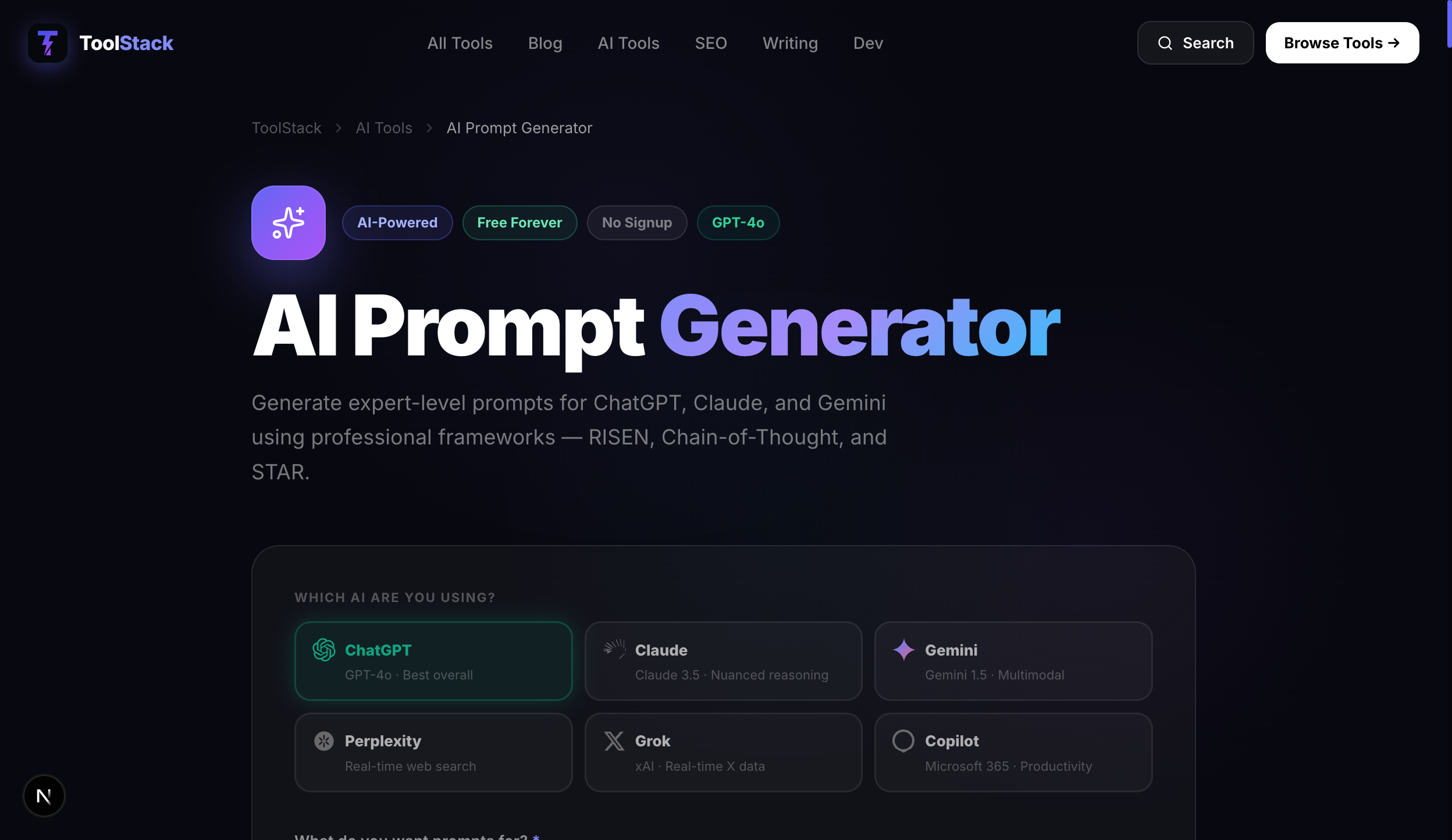
Building a RISEN prompt from scratch every time takes practice. The AI Prompt Generator does it automatically. Describe what you want to achieve, choose your target AI tool from a list of 80+ platforms, set the tone and format — and it outputs a complete, structured prompt ready to paste.
It covers ChatGPT, Claude, Gemini, Midjourney, DALL-E, Stable Diffusion, Perplexity, and dozens more. Whether you are generating images, writing copy, analysing data, or building code — the prompt generator produces instructions optimised for each tool's specific capabilities and conventions.
No account required. No trial period. No paywall. It runs in your browser and is free to use as many times as you need.
Write better prompts in seconds
Free AI Prompt Generator — builds optimised RISEN prompts for 80+ AI tools. No signup, no credit card, runs entirely in your browser.
Try the AI Prompt Generator Free →Frequently Asked Questions
What is prompt engineering?
Prompt engineering is the practice of writing clear, structured instructions for AI language models like ChatGPT, Claude, or Gemini to get useful, accurate responses. A well-engineered prompt includes context, a specific task, format constraints, and tone guidance. The difference between a vague prompt and a well-structured one can be the difference between a generic paragraph and a genuinely useful output.
What is the RISEN framework for prompts?
RISEN stands for Role, Instructions, Steps, End goal, and Narrowing. It is a structured approach to writing AI prompts that consistently produces better results. You start by defining the role the AI should play (e.g. 'you are a senior copywriter'), then the specific instructions, the steps to follow, the desired end goal, and finally any constraints or narrowing parameters like word count, tone, or audience. Using RISEN eliminates the guesswork and produces prompts that work the first time.
Does it matter which AI tool I use with my prompts?
The same well-structured prompt generally works across ChatGPT, Claude, Gemini, and other LLMs — but each model has different strengths. Claude excels at long-form reasoning and document analysis. ChatGPT is strong at broad knowledge and conversational tasks. Gemini integrates well with Google Workspace. A good prompt is model-agnostic, but you can tailor it further by specifying the model's strengths in the Role section of your RISEN prompt.
Is it safe to put personal information in an AI prompt?
Generally, you should avoid including sensitive personal data — real names of third parties, financial details, medical information, or confidential business data — in AI prompts, especially when using consumer-facing tools. Most major providers use your inputs to improve their models unless you opt out. Our AI Prompt Generator runs entirely in your browser and sends nothing to external servers, so you can build prompts without privacy concerns.
How many AI tools can the AI Prompt Generator work with?
The AI Prompt Generator on ToolStack is designed to produce prompts compatible with over 80 AI tools and platforms — including ChatGPT, Claude, Gemini, Midjourney, Stable Diffusion, Perplexity, and more. You can specify the target platform to get a prompt optimised for that tool's specific conventions and capabilities.
What is the difference between a system prompt and a user prompt?
A system prompt is a set of persistent instructions given to the AI before the conversation begins — it defines the AI's persona, constraints, and context. A user prompt is the specific request you send in the conversation. Consumer AI tools like ChatGPT typically expose only the user prompt, but developer APIs let you set both. For most use cases, writing a strong user prompt using the RISEN framework is sufficient to get great results without needing system-level access.